
ClipReady
One frame is scrambled and every frame around it is perfect
You are cutting a Blu-ray-sourced clip in Final Cut Pro and one frame comes back wrong. Blocky, smeared, the colors sliding in the wrong direction, the kind of thing you would expect from a bad download. The frame before it is clean. The frame after it is clean. Open the same file in QuickTime Player, IINA, or VLC and it plays through without a mark on it.
On some Blu-rays in Final Cut I would just get these random scrambled frames. Just one frame randomly. Frame before it, clean, next frame, fine. But this one frame would just be all macro blocked and scrambled.
The user report that started this investigation.
Two details are worth noticing before you go back and re-rip the disc.
It is at the same timecode every time. A decoding hiccup wanders. This does not. Scrub away and come back, and it is waiting in the same place.
It survives everything. Playback, scrubbing, the browser preview, an export. A frame that was damaged in the source would look damaged in VLC too, and it does not.
Your rip is fine. The disc is fine. What is wrong is one sentence the file tells Final Cut about itself, and it has a specific, fixable cause.
What is actually happening
Modern Blu-ray and UHD encoders lean on open GOPs. A picture near the start of a group can look like a fresh start and still depend on pictures before it. In H.264 that is a plain I-frame rather than an IDR. In HEVC it is a CRA picture whose leading pictures reference back across the boundary. Either way, only some of the apparent starting points in the stream are genuinely independent, and you cannot tell which from the outside.
A QuickTime file is supposed to record that difference in two separate tables. One lists the frames a decoder can start on cold. The other lists the partial ones: frames that look like a starting point and are not. FFmpeg’s MOV muxer has always drawn that distinction for MPEG-2, which is exactly why MPEG-2 remuxes never showed this symptom. For H.264 and HEVC, every I-frame went into the “start here” list, whether or not it was one.
Final Cut Pro decodes long-GOP media in parallel segments, and each segment begins at one of those advertised points. Point it at a picture that needed the group before it and the decoder produces one frame of nonsense before it catches up. One frame, at the same place, every time.
QuickTime Player, IINA, and VLC decode from the top in a straight line. They never take the file up on the offer, so they never see the problem. That is the detail that sends people looking for a bug in Final Cut, which is the one application in the chain doing something reasonable with what the file told it.
The numbers
These are measured, on real files, not estimated.
| Measurement | Value |
|---|---|
| Entry points a Blu-ray H.264 remux advertised | 606 |
| How many were genuinely independent | 200 |
| Frames verified identical before and after the fix | 10,729 of 10,729 |
| A UHD HEVC title: entry points advertised | 162 |
| The same title: true IDRs, CRA pictures, leading pictures | 384 · 912 · 1,824 |
The second file is the interesting one. Nothing had ever flagged it, and its bitstream holds 912 CRA pictures with 1,824 leading pictures referencing across the boundary. There was nothing subtle about the exposure; nobody had looked.
What ClipReady does about it
It writes the truth. An IDR is recorded as a full entry point. An open-GOP recovery point is recorded as a partial one, which is a distinction QuickTime’s format has carried since the beginning. On the reproduction case above, 606 advertised entry points become 200 full and 406 partial. The file stops inviting the mistake.
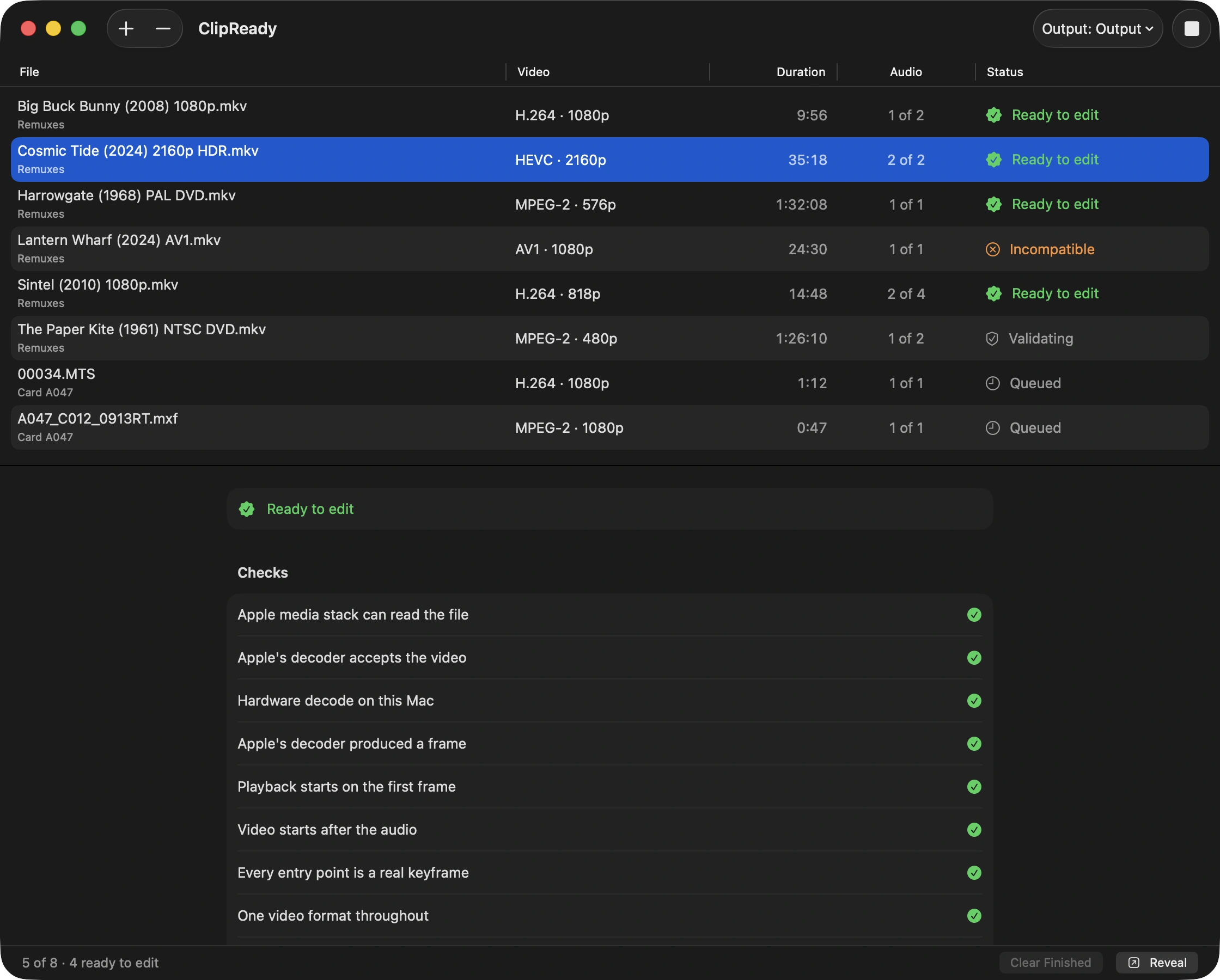
It checks before saving. A post-flight check called Every entry point is a real keyframe reads the bitstream rather than trusting the container’s flag, because the flag is the thing under suspicion. A file that over-promises does not get written.
Nothing about the picture changes. Both files were decoded frame by frame and compared: 10,729 of 10,729 hashes identical. The video bitstream is carried across untouched, as it always is.
Scrubbing stays as quick. The partial entry points are still listed. They are just listed honestly, so a seek lands on one and the decoder knows to back up a little. That is what the table is for.
The same fix applies to MP4. The partial-entry-point box started life in QuickTime and FFmpeg only ever wrote it into MOV, which left MP4 with no way to describe an open-GOP entry point at all. Apple’s own AVAssetWriter writes it into .mp4 and reads it back, so ClipReady does too. A parser that does not recognize the box skips it, the way it would skip any box it does not know, so the worst case elsewhere is coarser seeking rather than a wrong picture.
What this page is not claiming
Not that anyone’s software is broken. FFmpeg makes this distinction for MPEG-2 already. Extending it to H.264 and HEVC is our change, it is published as three commits on the FFmpeg n8.0 tag, and we would be glad to see it go upstream. What is measured is narrow and specific: an unpatched FFmpeg MOV and MP4 muxer marks every H.264 and HEVC I-frame as a full entry point. Any tool that remuxes through it inherits that. Naming a particular application would mean testing that application first, and we have not.
Not that ClipReady repairs a file you already made. It does not open a finished MOV and correct its tables. If you already remuxed the file somewhere else, run the original source through ClipReady instead and keep the new output.
Not that your rip is bad. It is not, and treating this as a source problem sends people back to re-ripping a disc that was never at fault.
Not “lossless” as a blanket word. The video is never re-encoded. That is the claim, and it is a narrower one than lossless.
Related
- ClipReady — the app this page describes
- Why Final Cut says your 23.976 file is 23.81 fps
- ClipReady vs ffmpeg -c copy