
Luma Dot Field
FxPlug · Motion & Final Cut Pro
Turn any image into circles. Realtime.
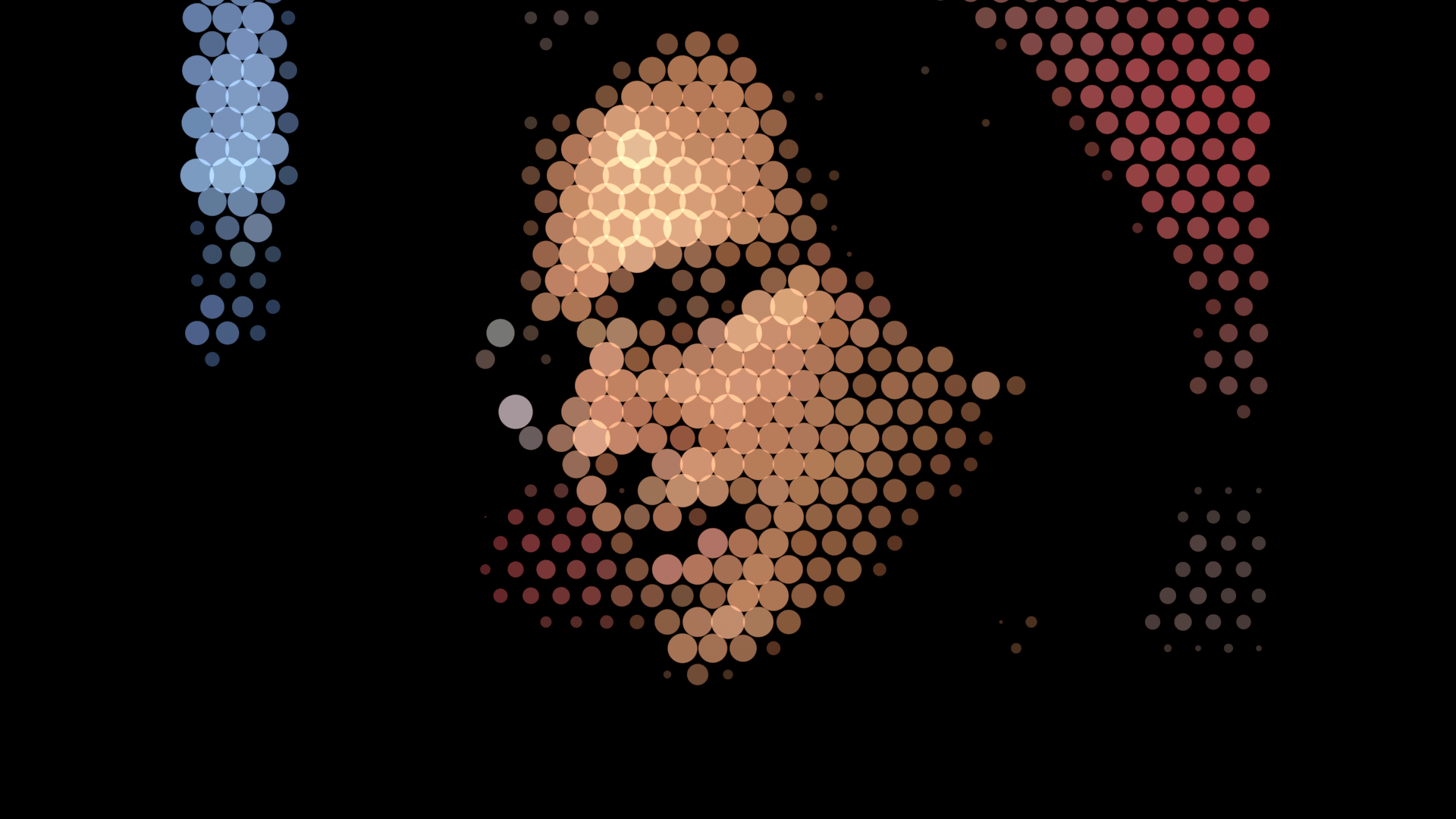
A native effect for Apple Motion and Final Cut Pro. Halftone-style dots, one color, source color, or alpha, with enough control to actually dial it in. Drawn straight in Metal, so 4K still plays back in realtime.
Built for Motion and Final Cut editors who want a flexible circle-pattern look without a pile of Replicators.
Pay what you want · $9.99 suggested · Apple Silicon · Motion 6.2+ or Final Cut Pro 12.2+
Motion and Final Cut, on purpose
One plugin. Both hosts. Apply it to any clip or still.
- Not After Effects
- FxPlug 4 only. It will not load in Adobe apps.
- Halftone is a look, not a press
- It can look like a classic halftone. It is not a CMYK printing-press simulator.
- Apple Silicon
- The supported architecture until Intel is verified.
Why it exists
Realtime circles. Both hosts.
-
Realtime, on purpose
Direct Metal, not a pile of Replicator cells. 1080p and 4K playback and export stay realtime, including temporal smoothing.
-
Any image, lots of looks
Halftone-style dots, one solid color, colors pulled from the source, or alpha. Density, packing, bleed, camera, and smoothing are all on the inspector.
-
Motion and Final Cut Pro
The same effect under Tent Studios in both hosts, with published controls in Final Cut.
-
Pay what you want
Suggested $9.99. Zero dollars is allowed. A calling card for Tent Studios as much as a product.
In 1.4
Layouts, camera, and a no-admin install.
- Hexagonal packing, on by default
- Regular grid, brick stagger, or a true honeycomb. Freshly applied, Hexagonal Packing is on and Temporal Amount is at 100%.
- Edge Bleed and Pattern Offset
- Overscan the field so dots cut at the frame edge, or contain it. Scroll the lattice without snapping, and a Rate behavior gives you continuous motion.
- Field camera with source locks
- Position, zoom, and rotation of the dot field, with per-axis locks so the picture can move independently of the grid.
- Dot color, your way
- Solid, sampled from the source, or a deterministic random gradient. Overlap blend modes and transparent, solid, or source backgrounds.
- Optional temporal smoothing
- 3, 5, 7, or 9 frames, including optional color smoothing, for noisy footage.
- Signed and notarized
- Developer ID Application, notarized and stapled. A disk image downloaded in Safari should open without a Gatekeeper fight.
Vs. faking it
Virtual grid, real per-cell luma.
A Replicator approximation
- Cell color from the source; scale is a separate control.
- Thousands of real cells to manage.
- Motion-only, or a template that does not match Final Cut.
Luma Dot Field
- Per-cell radius driven by the luminance under that cell.
- A virtual grid drawn in Metal. No object-per-dot.
- The same FxPlug in Motion and Final Cut, with published FCP controls.
Before you download
Hosts, chips, and install.
- Does this work in After Effects?
- No. It is an Apple FxPlug 4 effect for Motion and Final Cut Pro only.
- Does it work on Intel Macs?
- Not yet. The disk image is a universal binary, but Intel has not been verified and is unsupported. Buy this for Apple Silicon.
- Do I need an administrator password to install?
- No. The installer writes into your user Library and Movies folders. Quit Motion and Final Cut first, then click Install.
- Where does the effect show up?
- Under Tent Studios in Motion’s Filters library and in Final Cut Pro’s Effects browser. If you do not see it, quit both hosts and run Install again.The full checklist when it is missing
- Can it look like a halftone?
- Yes, that is one of the looks it is built for, and it is what most people come looking for. It is still a luma-reactive circle field rather than a CMYK printing-press simulator.How to build the halftone look
- How do updates work?
- There is no in-app updater. New versions are a new disk image. Gumroad buyers get the product’s update email. Open the new installer and click Update.
- Will it modify my Motion or Final Cut projects silently?
- No. It is an effect you apply. Documents that use it depend on a stable effect UUID, which does not change across updates.