Release
ClipReady 1.0.4 — AVCHD that behaves in Final Cut
Interlaced AVCHD that judders after a rewrap, long clips that crawl in Final Cut, and silent MOV audio. ClipReady 1.0.4 fixes all three without re-encoding.
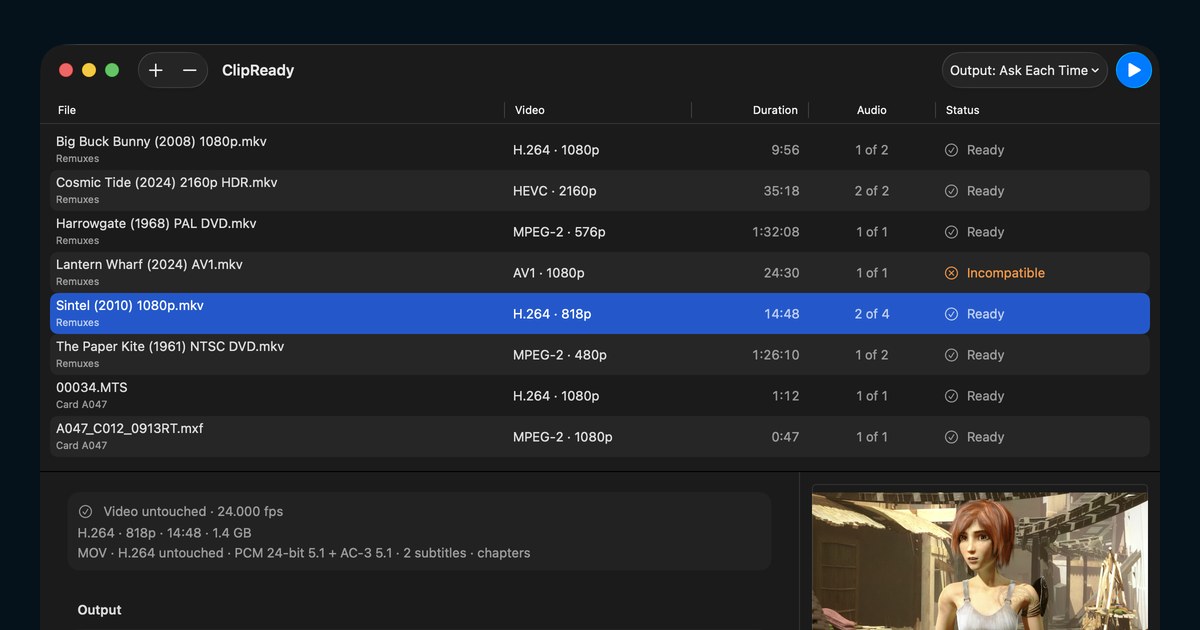
ClipReady 1.0.4 is out, as a free update on the Mac App Store and as a direct download. It is the AVCHD release, and it started with a question on a video forum that twenty-one replies never answered.
An editor had rewrapped years of interlaced camcorder footage from .mts into MP4 to save space. The files played perfectly in QuickTime, VLC, and DaVinci Resolve, and juddered badly in Final Cut and iMovie. Progressive clips from the same camera were fine. Transcoding to ProRes did not help. Nobody could say why.
The judder
We measured the file. The timing was immaculate: every sample exactly the same length. The problem was that 552 samples decoded to only 276 pictures. The rewrap had stored each interlaced field as its own sample, so the file told Final Cut it held 50 pictures a second when it held 25. Final Cut believed it and laid half-pictures on the timeline as though they were whole.
QuickTime and VLC pair the fields themselves, which is why they never noticed. The original .mts has no sample table at all, which is why it always worked.
ClipReady 1.0.4 pairs the fields back into complete frames and preserves the field order. The video is not re-encoded, and it works on MP4 files that were already rewrapped this way, not only on fresh camera clips.
Long clips that crawl
The second complaint in that same thread was speed: AVCHD that made Final Cut stall when scrubbing, and take seconds to step back a single frame.
Long-GOP AVCHD only has a complete picture every so often. To show any other frame, Final Cut has to decode forward from one of them, and if the file does not say where they are, it starts from the beginning of the clip. ClipReady now keeps every H.264 and HEVC recovery point indexed, so Final Cut starts nearby. The picture is untouched.
Audio that was there all along
MOV files prepared from AVCHD could come out silent, and the cause is almost comic. A transport stream labels its AC-3 audio AC-3, in capitals. Apple only decodes ac-3, in lowercase. Carry that label across unchanged and the audio sits in the file completely intact while QuickTime, Final Cut, and every other app built on Apple’s media stack plays silence. Four characters, wrong case.
ClipReady now writes the lowercase tag and checks that Apple can decode every audio track before it calls a job done. If you have an affected file, add it to ClipReady again. And if you rewrap with ffmpeg yourself, -tag:a ac-3 does the same thing for free.
When you need to override it
For footage ClipReady positively detects as interlaced, there is a new per-file Field Dominance setting: As detected, Progressive, Upper First, or Lower First. It exists for the file that was labeled wrong at the source. It changes how the fields are declared, never the picture, and it does not deinterlace. Progressive and mixed-cadence sources cannot be overridden, because a single declaration would be wrong for part of the file. When to use it.
Checked before it is saved
Every output is now verified for complete frame samples, an index entry for every recovery point, and audio Apple can actually play. Apple has to read the planned field count and field order back correctly. If anything fails, the file is not written.
The full list is in the changelog. If AVCHD is your problem, the MTS and AVCHD guide is the place to start.