Release
Syntax Look is on the Mac App Store
Press Space on a code file in Finder and read it syntax-highlighted, with selectable text and line numbers. 150+ file types. Out now for macOS.
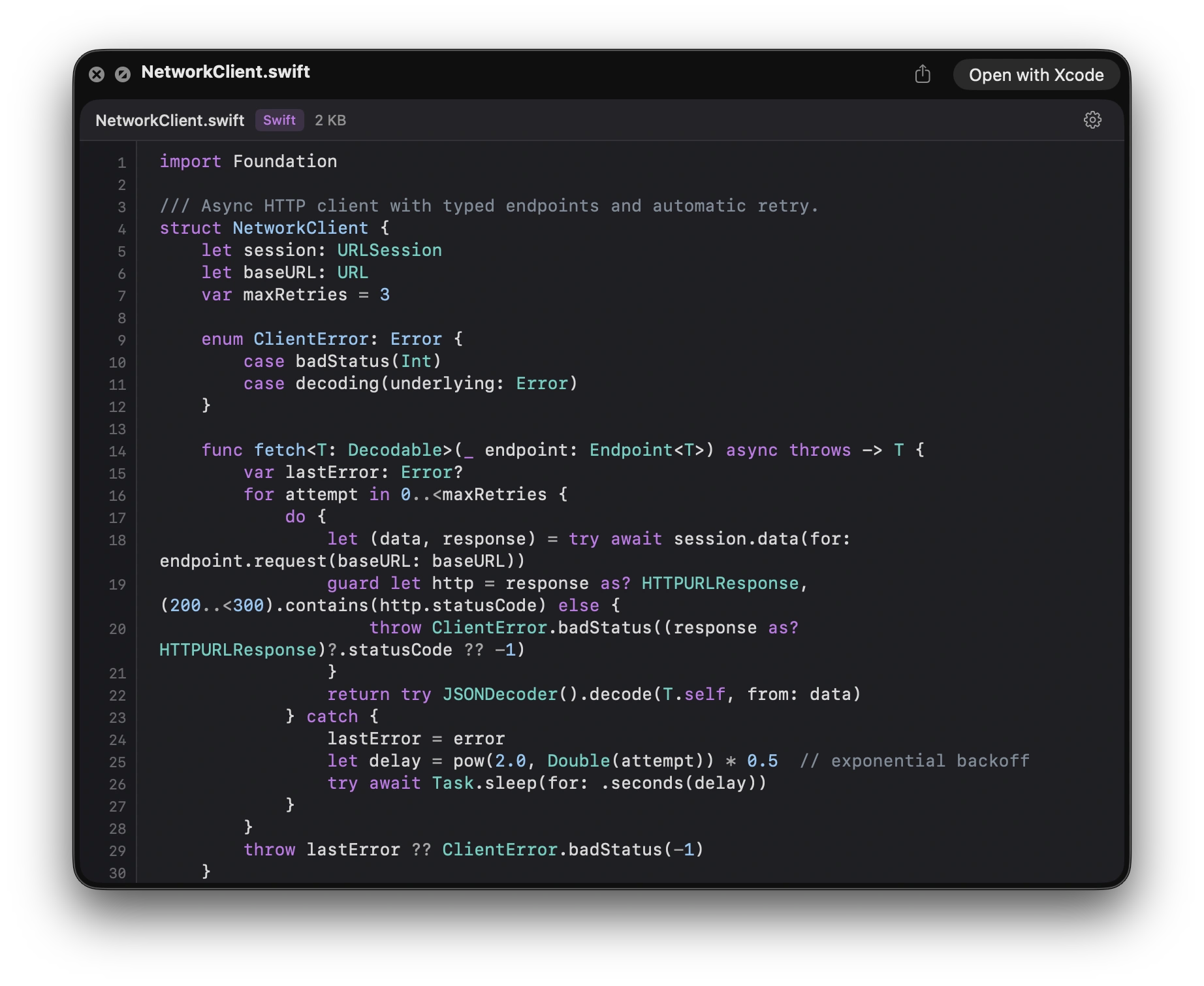
Press Space on a code file in Finder and macOS shows you a wall of undifferentiated gray text, or an icon, or nothing. To read the thing you open an editor, wait for it to launch, read four lines, and close it again.
Syntax Look fixes that, and it is on the Mac App Store today at $2.99.
What it does
Press Space, get the file syntax-highlighted in place, with selectable text you can copy straight out of the preview, line numbers, and five themes.
It covers 150+ file types—Swift, Python, JavaScript, TypeScript and TSX, Rust, Go, JSON, YAML, TOML, Markdown, shell scripts, and the dotfiles that usually preview as nothing at all.
No window, no launch, no project to open. At $2.99 it costs less than the time it saves in a week.
The things people search for afterwards
Quick Look extension not working. Nearly always the same cause: a Quick Look extension shows no visible change until you switch it on, in System Settings under General, then Login Items and Extensions, then Quick Look. That step catches almost everyone, which is why it is on the product page, in the app, and here.
.ts files previewing as video. macOS thinks .ts means MPEG transport stream, not TypeScript, and hands the file to the video previewer. The page explains what is actually happening and what to do about it.
Dotfiles that preview as nothing. .zshrc, .gitignore, Dockerfile—no extension means macOS has nothing to identify them by, so it shows an icon. Syntax Look registers for them by name.
There are also pages on garbled characters, which is almost always an old file in Windows-1252 being read as UTF-8, and why a large file previews part way.
Requires macOS 14 Sonoma or later. Universal—Apple silicon and Intel.